
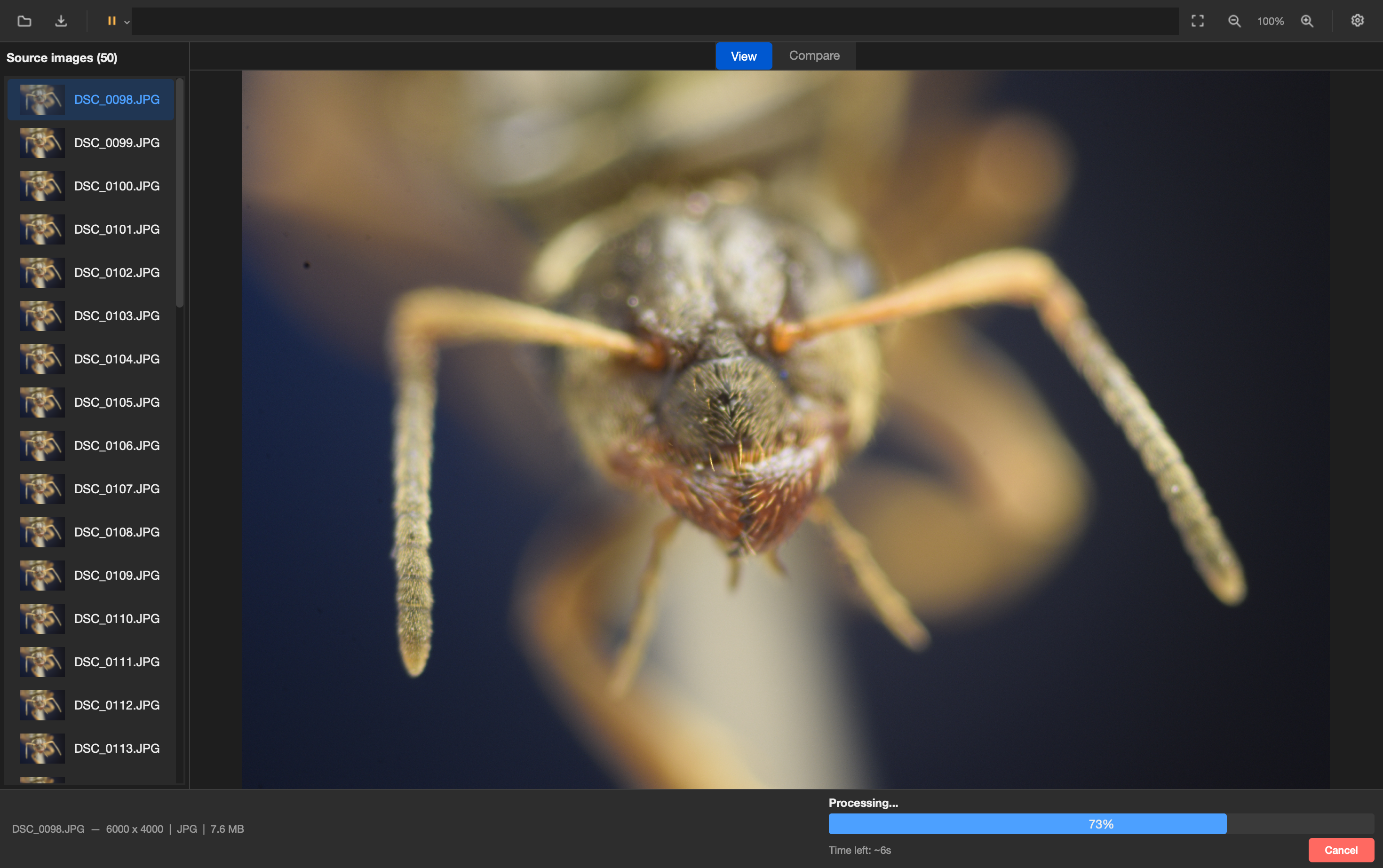
ChimpStackr is a free, open-source focus stacking application for Windows, macOS, and Linux. It merges a series of differently-focused photos into a single, fully-sharp image — with a full GUI and a headless CLI.
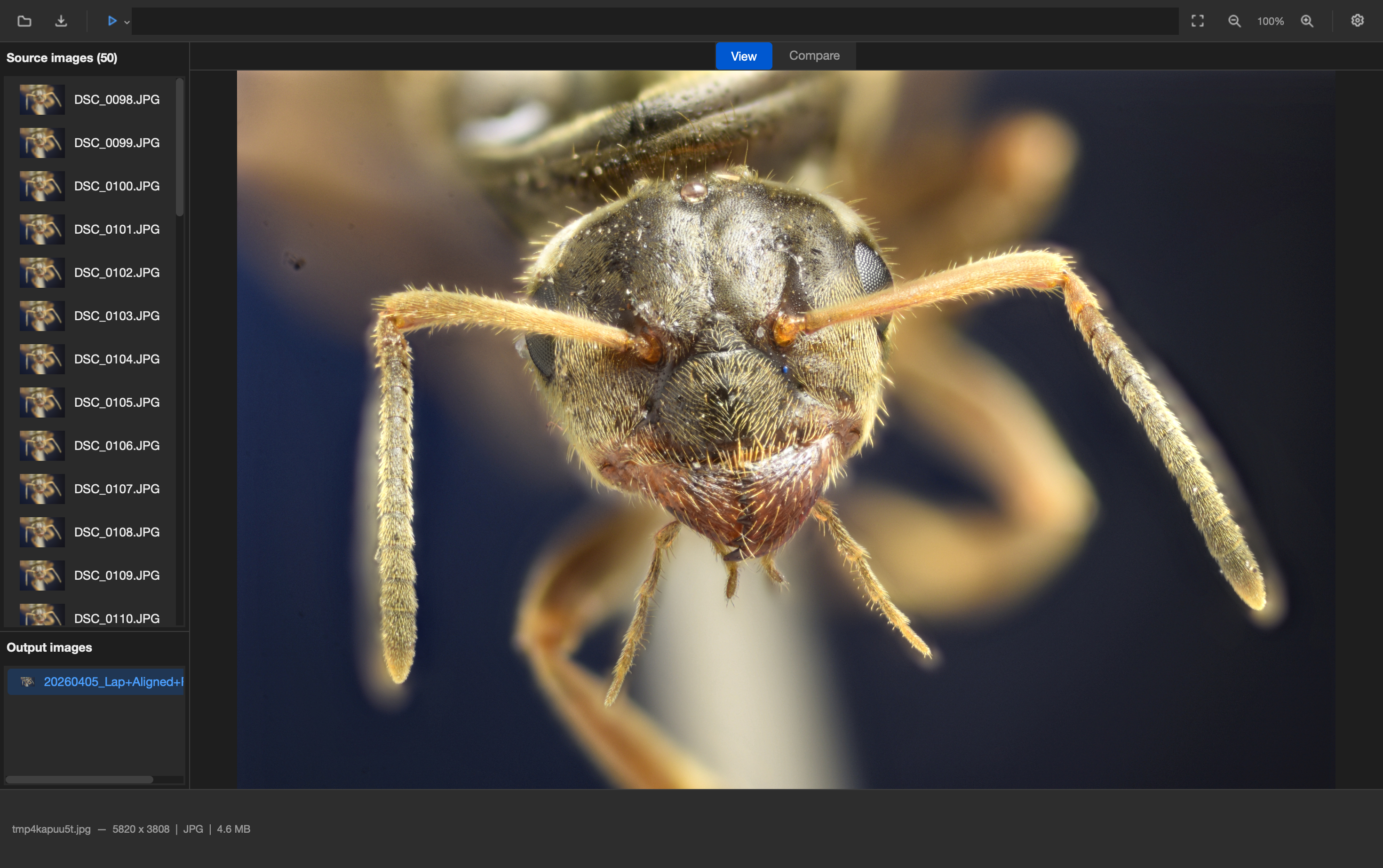
Features
- 4 stacking algorithms — Laplacian Pyramid, Weighted Average, Depth Map, Exposure Fusion (HDR)
- Automatic alignment — translation-only or rotation + scale correction (focus breathing)
- 16-bit pipeline — full bit-depth preservation from RAW to output
- Auto-crop — removes black edges from alignment shifts
- Auto-tuning — parameters auto-detected from image resolution
- GUI + CLI — full graphical interface and headless command-line tool
- Cross-platform — native builds for Windows, macOS, Linux
- Pause / resume / cancel — control long-running stacks
- Before/after comparison — slider viewer for input vs output
- Drag & drop — drop image files or folders directly into the app
Download
Pre-built packages are on the Releases page:
| Platform | Download | Notes |
|---|---|---|
| Windows | ChimpStackr-Windows.zip |
Extract and run chimpstackr.exe |
| macOS | ChimpStackr-macOS.dmg |
Open DMG, drag to Applications |
| Linux | ChimpStackr-Linux-x86_64.AppImage |
chmod +x and run |
CLI quickstart
Headless focus stacking, no GUI required:
# Basic stack
chimpstackr-cli --input images/*.jpg --output result.tif

# Align + stack with auto parameters
chimpstackr-cli -i images/*.jpg -o result.tif --align --auto --auto-crop
Available methods: laplacian (default), weighted_average, depth_map.
Gallery
Stacks shot at ~4× magnification (~150 frames each), stacked with ChimpStackr and post-processed in darktable.


Documentation
- Stacking Algorithms — how each of the four methods works and when to use it
- Packaging & Distribution — building native packages for each platform
Build from source
Requires Python 3.9–3.13.
git clone https://github.com/noah-peeters/ChimpStackr.git
cd ChimpStackr
python -m venv .venv
source .venv/bin/activate   # .venv\Scripts\activate on Windows
pip install -r requirements.txt
python src/run.py           # GUI
python -m src.cli --help    # CLI